Present Like a Pro.
Take Notes Seamlessly.
Prepare presentation hints or write down private notes during any screen share, completely unseen by your audience. Stay focused, capture ideas, and never miss a beat. And yes, it's 100% free!
Free download for Windows
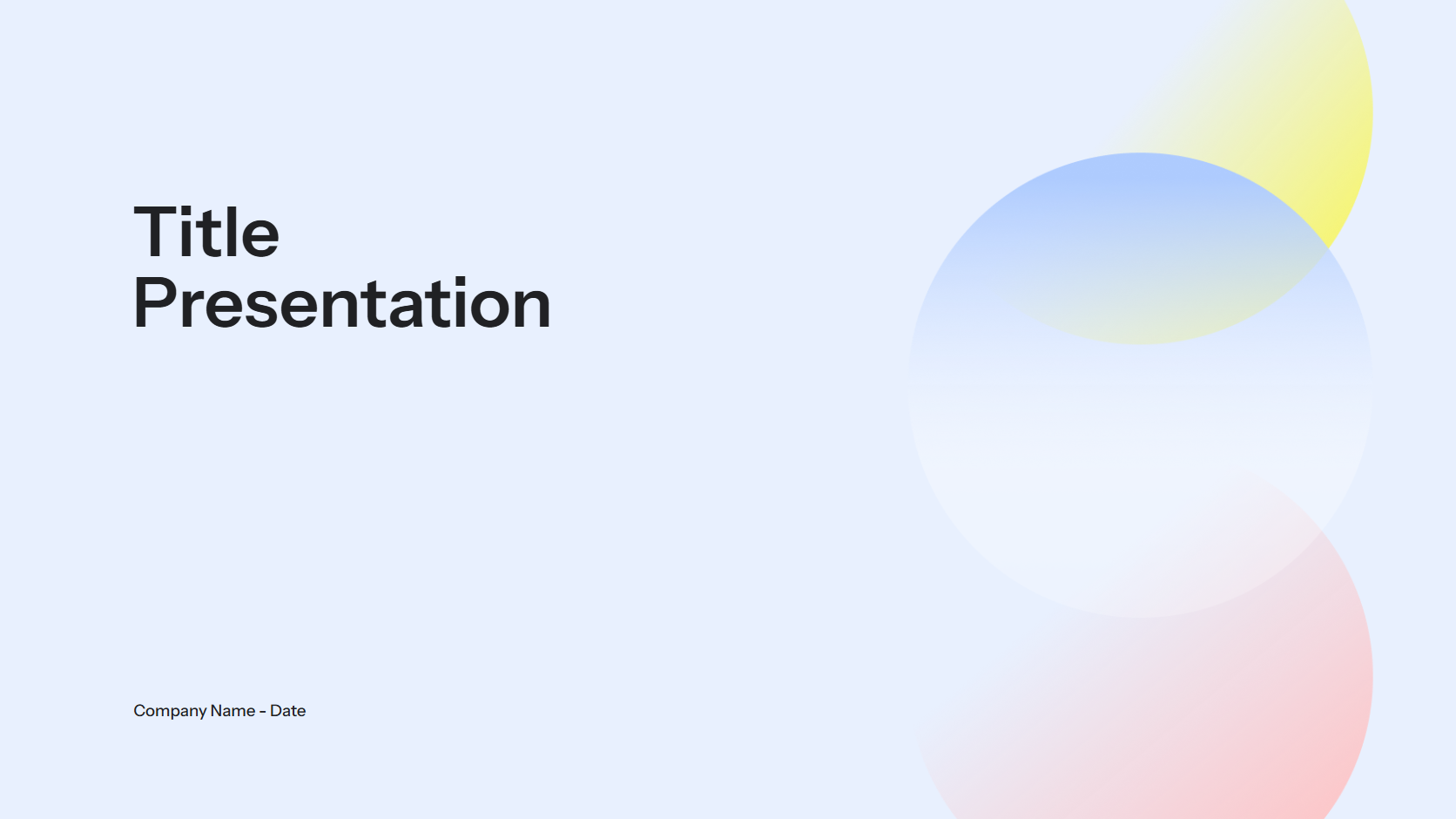
// My invisible hints
- Q3 results was +24.3%
- Ask John about designs
// Meeting feedbacks
- |
The Ultimate Presenter's Sketchbook
Everything you need to stay sharp and professional during online meetings.
Truly Invisible
Programmatically excluded from screen capture. It's invisible on Zoom, Teams, Meet, and more.
Instant Access
Bring your notes to the front with a global shortcut key. Never lose your train of thought.
Always On Top
Pin the notepad to keep it visible over your presentation, browser, or any other window.
Minimal & Focused
A clean, resizable window designed for one thing: taking notes without distraction.
Customizable View
Adjust the background transparency to blend the notepad perfectly with your desktop.
Lightweight & Fast
A native desktop app for Windows that's quick to launch and uses minimal resources.
Perfect For Any Online Professional
If you present, train, sell, or interview online, Ghostpad is for you.
Team presentations
Keep track of feedback and performance notes during one-on-ones and team presentations discreetly.
Salespeople
Keep your talking points and rebuttals handy during live demos without breaking eye contact.
Consultants
Jot down client feedback and critical insights during workshops without looking away from your audience.
Trainers & Educators
Reference your lesson plan or student questions in real-time without cluttering your shared screen.
Job Seekers
Ace your remote interviews by keeping notes on the company, role, and STAR-method answers visible only to you.
Frequently Asked Questions
Is Ghostpad really free? +
Yes! Ghostpad is a 100% free native desktop app for Windows. No subscriptions, no hidden fees, no ads. Just a tool built to help you present better.
How does it remain invisible? +
The app uses native OS APIs to programmatically exclude its window from being captured by screen recording or sharing software.
Does it work with my meeting software? +
Yes. It's designed to work with all major screen sharing applications, including Zoom, Microsoft Teams, Google Meet, Slack, and more. Test it out you will be amazed.
Can I change how it looks? +
Yes, you can resize the window and adjust the background transparency to suit your preferences and make it less distracting for you.